Colors & Gradients
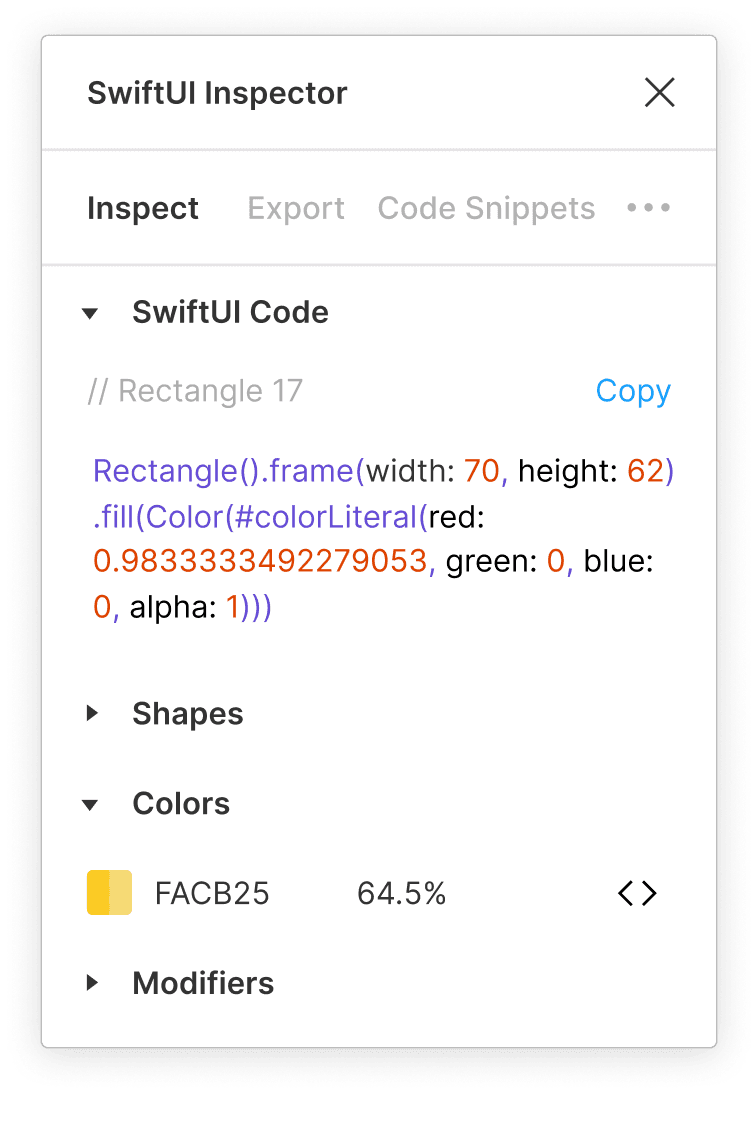
Copy individual colors and gradients or collect reusable document colors for an Xcode asset catalog.
Production-quality code straight from your favorite design tool.
Always free
Choose how you want to move a design into SwiftUI code. Inspect shapes, colors, text labels, layouts, and more.
Copy individual colors and gradients or collect reusable document colors for an Xcode asset catalog.
Translate system and custom font details into SwiftUI text that stays close to the original design.
Carry dimensions, fills, opacity, rotation, shadows, and other shape details into your implementation.
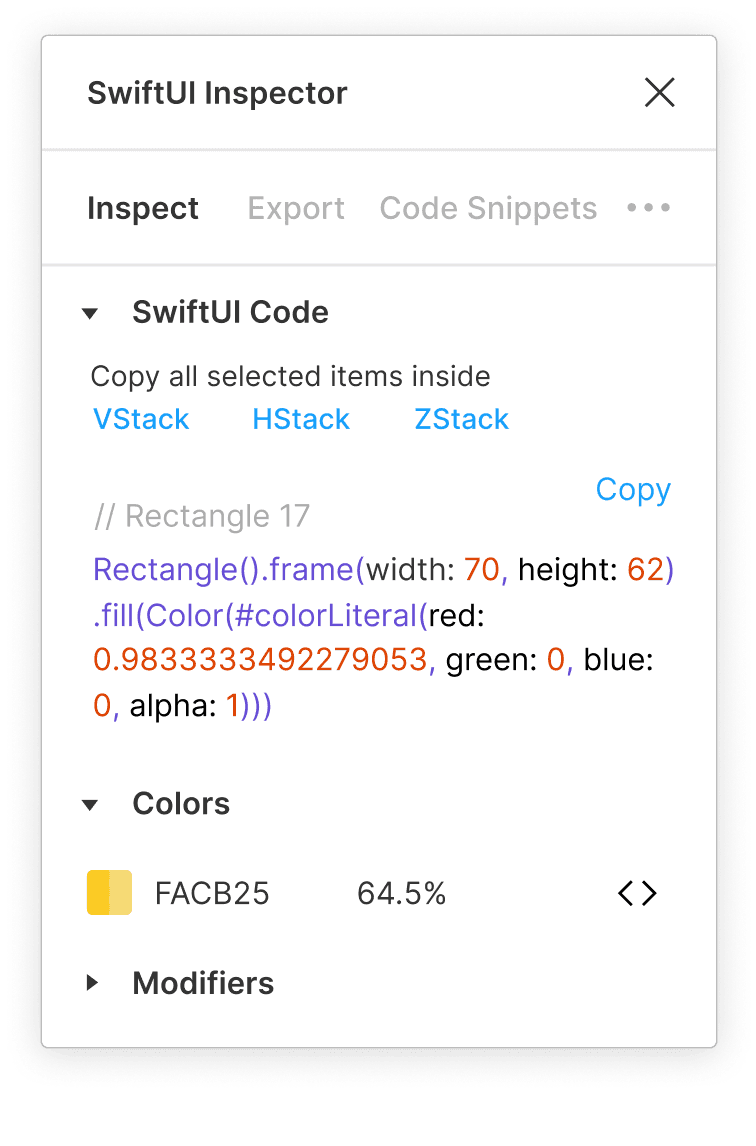
Wrap selected elements in familiar HStack, VStack, or ZStack structures when you copy the code.
More control
Keep the design and the implementation close together, whether you are learning SwiftUI or saving time on production work.
Turn Figma Auto Layout direction into practical SwiftUI layout structure.
Save the SwiftUI snippets you reuse and keep them close to the design work.
Move document color styles into a downloadable Xcode asset catalog.
SwiftUI Inspector stays focused on the design details you selected and the code you can use next.
Get started
Open the community plugin in Figma and start with a selected layer.